
Upload Files to Your Cloud Using FTP
FTP Cloud is a service which you can upload files via FTP and these will be automatically sent to your cloud space. For now, only Dropbox is supported.

Our Services
Your old devices may not be compatible with Cloud Providers, but with FTP yes. Don’t throw them away! We have created the missing bridge between FTP and Cloud Providers.

Monitored Infrastructure
Our servers are constantly monitored, and we have a solid experience in operating IT services. Our software also works in a proven way for a few years.
Provide new functionality to old hardware
Our service offers the opportunity to use old equipment with recent technologies. It is an economical and sustainable approach.
Safe & Secure
We have set up a secure configuration to deploy our FTP servers, so your data is safe. Files are immediately sent to your Cloud Provider as soon as it’s uploaded on the FTP server. When the file is successfully uploaded on your Cloud, it’s automatically removed from the FTP server. We don’t keep your files.

Dedicated Support
Support by email, answered within one business day.
Pricing
FTP Cloud is leaving beta on 1 October 2026.
After four years as a free service, it moves to a simple paid plan so it can be maintained and supported properly.
Starter
For light, automated uploads.- 1 FTP account
- Up to 1 GB per month
- Dropbox destination
- Email support
Standard
For continuous uploads, such as motion-triggered camera recordings.- 1 FTP account
- Up to 25 GB per month
- Dropbox destination
- Email support
No commitment — cancel any time.
Existing beta users: your account keeps working until 1 October 2026, and you’ll be contacted directly before anything changes.
Need more volume or a different destination? Get in touch.
excluding VAT
File Management
Safe and Secure File Transfer to the Cloud

1st step : Send your file to our FTP server
We create an individual FTP account for you, and you will be able to send your file to our FTP server.

2nd step : We transfer your file to Dropbox
As soon as the file is uploaded on the FTP server, we upload it to the Cloud. Our app has been previously linked to your Dropbox account.

3rd step : We remove the file from our FTP server
After the file has been successfully uploaded to Dropbox, we remove the file from the FTP server. Your data is safe.
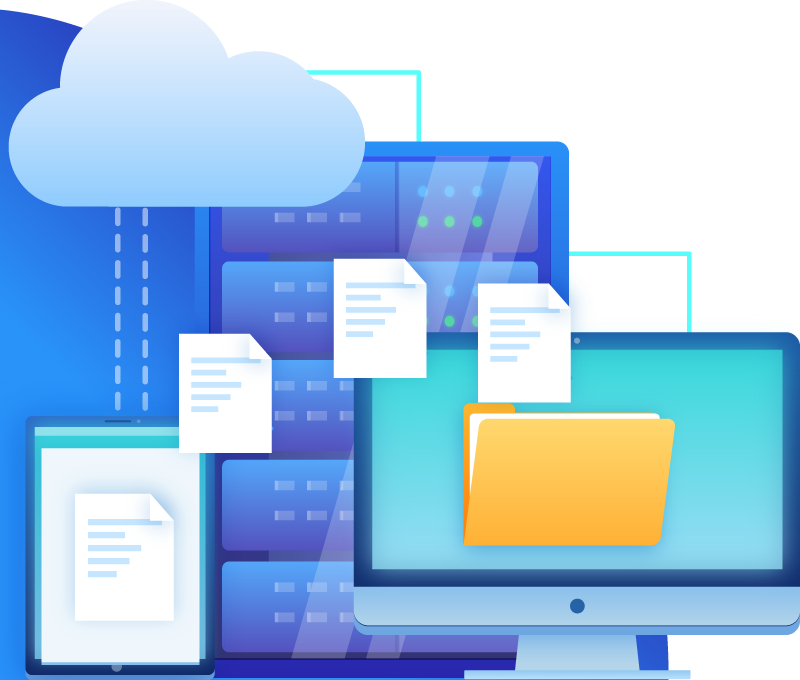
Talk With an Expert
We remain at your service for giving you any information about our product. You can reach us by sending us an e-mail.
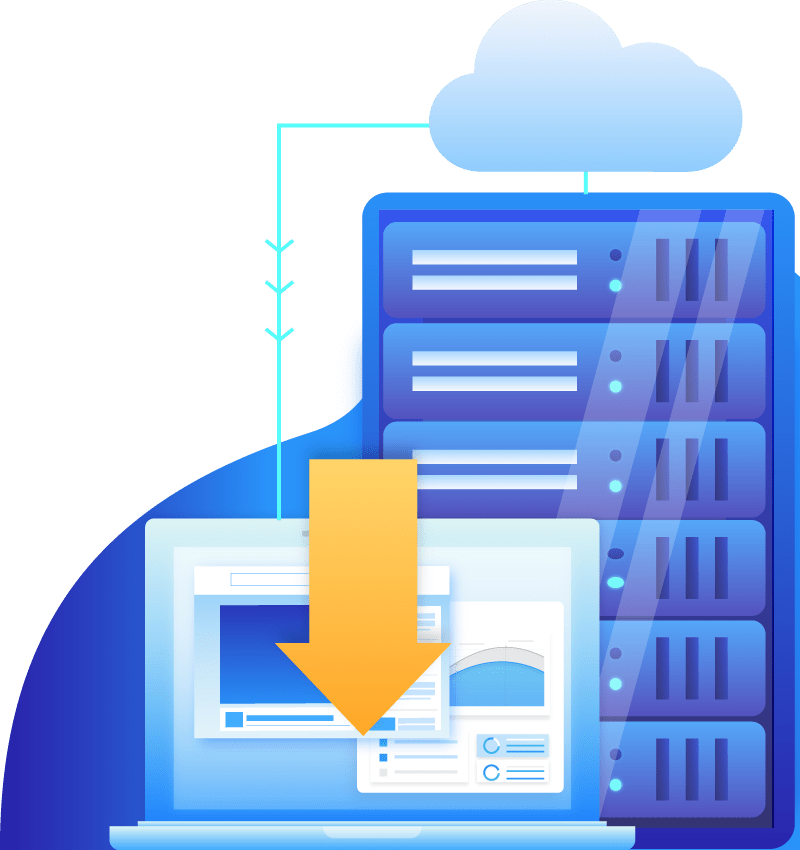
Easy Setup
One Click Installs
Our app is very easy to set up, and ready to use.
Link our app to your Dropbox account
We create a new account for you on our FTP server
You use these FTP information to send us your files
We upload files to Dropbox as soon as we receive them
We are adding more Cloud Providers as requests arise.
Feel free to request FTP Cloud for a new Cloud Provider!